Site Notice

This site is still in alpha phase, but published to show the new face. I'm actively working to iron out bugs, rewrite, pour in content (PDFs, videos, slideshows, images) and improve and polish things.

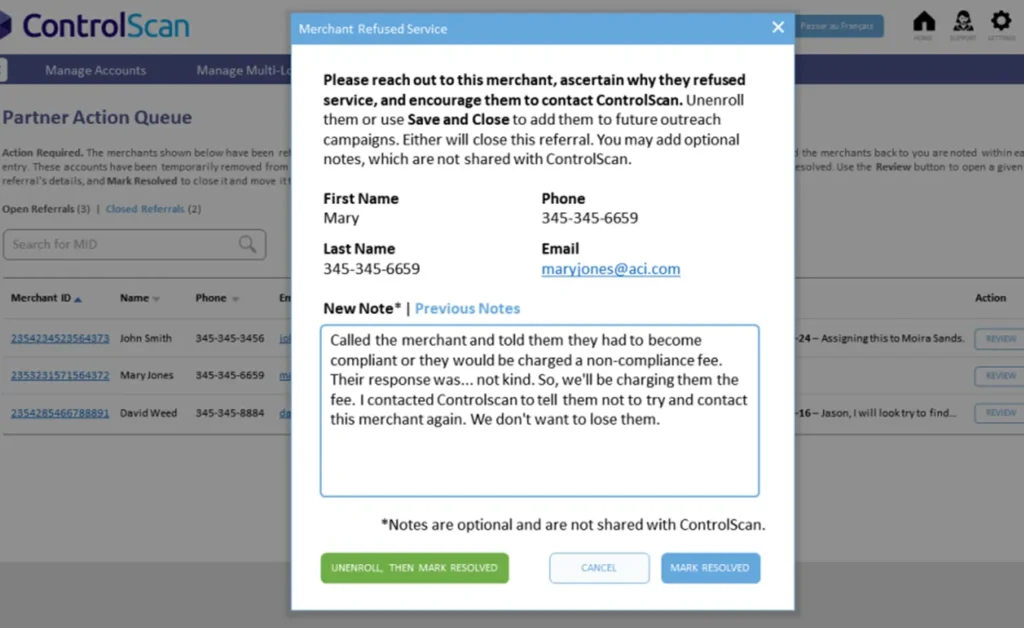
Contact Management Demo

Problem

ControlScan partners managing multiple subordinate merchant accounts needed efficient workflow to identify and correct invalid contact information, but existing tools lacked clear queue-based interface for processing contact issues at scale.

What I Did

Designed queue-based workflow for processing invalid contact information | Created correction interface optimized for partner efficiency and accuracy | Developed interactive demo showing workflow from identification through resolution

Impact

Improved contact data quality across partner merchant portfolios | Reduced partner effort required to maintain accurate contact information | Enhanced communication reliability for compliance notifications and updates

Lessons

Queue-based workflows excel when processing repetitive tasks at scale—clear visibility into what needs attention plus efficient correction UI equals sustained data quality. This design improved the workflow for ControlScan partners to process and/or correct invalid contact info for their subordinate merchants.

Related Projects

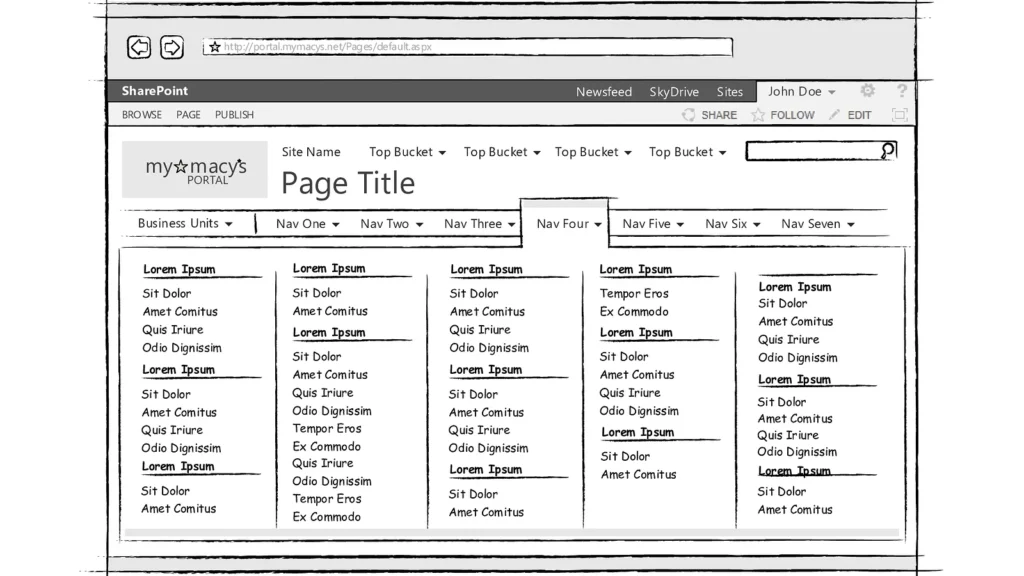
Portal Mega-Menu Wireframes (SP2013) teaser image
Macy's Technology — September 2016
Wireframes depicting various scenarios for a redesigned portal navigation scheme, especially a new mega-menu, in conjunction with the SharePoint 2013 upgrade.
ProfessionalAppsDocs
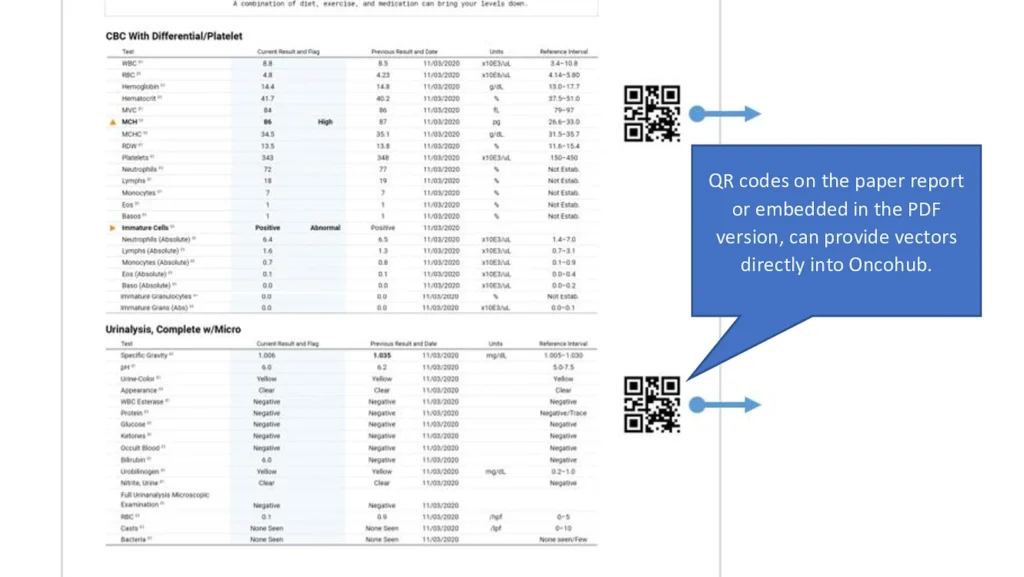
Cancer Patient App Design Brief teaser image
LabCorp — December 2021
This research brief with conceptual mockups outlines some key considerations and best practices regarding a cancer patient app.
ProfessionalAppsResearch
Scan Target Setup Wizard Demo
ControlScan — March 2020
Some users had difficulty self-identifying their network configurations for vulnerability scans. Whereas advanced users were accustomed to the existing UI, new users needed a more "hand-held" approach. Enter the Wizard, with its SAQ-like presentation layer, step-by-step workflow and on-demand help.
ProfessionalAppsMedia